

The AR glasses market has grown fast, but hardware claims rarely survive unfiltered contact with real-world use. The RayNeo Air 4 Pro launched at CES 2026 with three specific promises: HDR10 support (a first for the consumer AR glasses category), a 120Hz refresh rate, and micro-OLED panels running at 1,200 nits of peak brightness.
The RayNeo Air 4 Pro 120Hz AR display glasses became available globally in early 2026, with an MSRP of $299. They ship with dual 0.6-inch micro-OLED panels, a Pixelworks Vision 4000 image processing chip, and Bang & Olufsen-co-designed audio. This piece evaluates three performance dimensions directly: input latency, refresh rate behavior, and overall immersion quality.
What Sets the Air 4 Pro Apart
The Air 4 Pro is the first consumer AR glasses product with HDR10 support, per publicly available vendor and media data. Competing products — including the Xreal 1S ($449) and VITURE Luma ($399) — do not carry HDR10. At 1,200 nits peak brightness, it ranks among the brightest displays in this price range.
- HDR10 support — first in the AR glasses category at this price point
- 1,200 nits peak brightness — among the highest brightness ratings in the sub-$400 range
- 3,840Hz PWM dimming — designed to reduce display flicker during extended sessions
For buyers evaluating AR glasses below $400, the HDR10 support and 1,200-nit output represent a combination not currently found in competing products at this price. The difference in tone-mapping capability and brightness is observable in direct display comparisons.
Display Architecture: How the Hardware Works Together
This display system draws performance from three integrated components working in sequence: the micro-OLED panels, the Vision 4000 processing chip, and the high-frequency PWM dimming system. Each one contributes to a different aspect of the final image.
| Parameter | RayNeo Air 4 Pro | Xreal 1S | VITURE Luma |
| Price | $299 | $449 | $399 |
| Refresh Rate | 120Hz | 120Hz | 120Hz |
| Peak Brightness | 1,200 nits | 700 nits | 1,000 nits |
| HDR Support | HDR10 | × | × |
| Weight | 76g | 82g | 77g |
The Micro-OLED Panel
Each eye gets a 0.6-inch micro-OLED at 1,920 × 1,080 resolution. Because the panels sit inches from the eye, they project a virtual image equivalent to a 201-inch screen viewed at six meters. Micro-OLED’s per-pixel light emission produces deeper blacks and higher contrast ratios than LCD-based display alternatives at comparable price points.
HDR10 and the Vision 4000 ChipThe Pixelworks Vision 4000 handles real-time HDR tone mapping, SDR-to-HDR upscaling, and 2D-to-3D video conversion. RayNeo hasn’t publicly specified the exact processing latency introduced by this chip. Reviews to date suggest the upscaling output looks natural rather than artificially processed, though results may vary with source material quality.
PWM Dimming at 3,840Hz
The panel uses 3,840Hz PWM dimming — substantially higher than most consumer OLED displays on the market. High-frequency PWM reduces visible flicker artifacts during low-brightness operation. For extended viewing sessions, which represent the core use case for AR display glasses, this directly affects eye comfort and sustained usability.
Latency in Practice: Wired vs. Cloud Input
These glasses connect via USB-C with DisplayPort Alt Mode. There is no onboard wireless processing, though the Vision 4000 chip does perform on-device signal enhancement. In wired use, display latency is primarily determined by the source device and cable connection.
Wired Display Performance
Published hands-on testing with a Lenovo Legion Go S and an iPhone 17 reported immediate display response — consistent with what a direct wired DisplayPort connection delivers. The device passes through the signal at the configured refresh rate without buffering. For wired gaming, display-side latency is not a limiting factor.
Cloud Gaming Conditions
The RayNeo Air 4 Pro 120Hz AR display glasses were evaluated with cloud-streamed Fortnite on a MacBook Air in published testing. Any perceptible input lag traced to network conditions, not the display hardware. Battery note: Gizmodo’s review reported a connected iPhone 17 draining roughly 4% per 10 minutes at 120Hz and full brightness.
Refresh Rate Performance: Gaming and the HDR Trade-off
At 120Hz, the Air 4 Pro handles fast-motion content with visible smoothness compared to 60Hz operation. For most AR glasses buyers at this price point, 120Hz remains a differentiating feature — competing products at $299 or below do not commonly offer it. Three operating modes are available:
- Standard 120Hz — default for gaming and general content playback
- HDR10 mode — activates HDR tone mapping; RayNeo hasn’t publicly confirmed whether this mode affects the available refresh rate
- Manual 60Hz — available as a battery-conserving option
120Hz Gaming Performance
Gizmodo’s published testing of Cyberpunk 2077 on the Lenovo Legion Go S and cloud Fortnite on a MacBook Air reported no display-side stuttering in 120Hz mode. For the AR glasses segment, consistent 120Hz delivery at $299 is a differentiator, even as higher-refresh alternatives like the ROG Xreal R1 enter the market.
The HDR10 vs. 120Hz Trade-off
The extent to which HDR10 mode may affect the refresh rate has not been clearly documented in RayNeo’s public materials to date. For movie content, the HDR10 visual output is the primary benefit regardless of frame rate. For gaming at 120Hz, users should verify mode behavior before assuming HDR10 and 120Hz operate simultaneously.
Immersion: What Display Specs Don’t Tell You
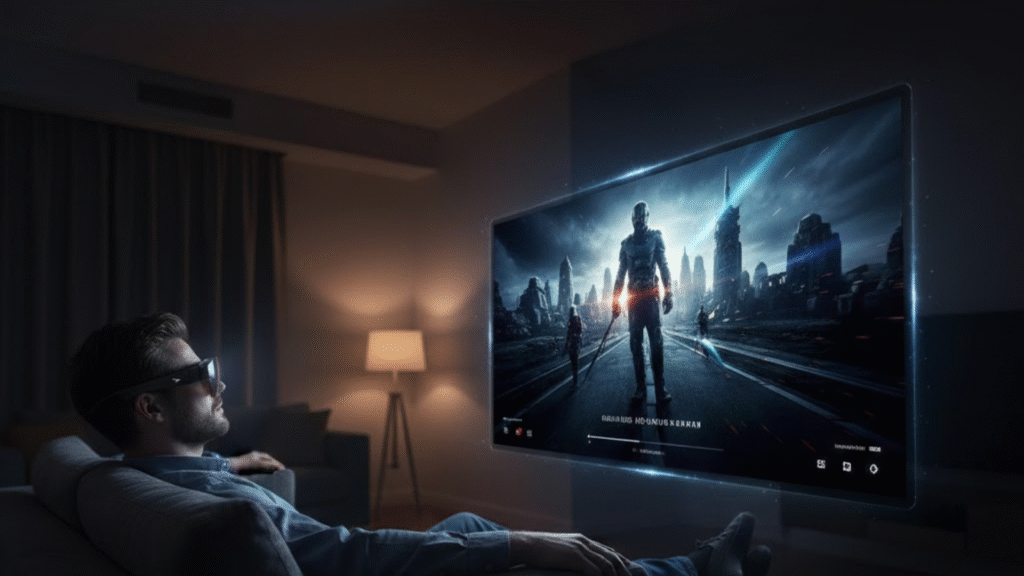
Panel resolution and refresh rate establish the ceiling for visual quality. How long a user stays immersed depends on two additional variables: audio performance and physical fit. Both are measurable in ways the spec sheet does not capture.
Audio Performance
The four B&O-tuned speakers produce fuller output than most open-ear wearable designs at this price. Gizmodo’s review compared the audio favorably to the Ray-Ban Meta AI glasses, a recognized benchmark for wearable sound at this tier. For movie watching and gaming, the spatial separation across four speakers reinforces the display-driven immersion.
Fit and Edge Clarity
At 76g, the Air 4 Pro is lighter than most competing AR display glasses. Multiple reviewers noted the default nose pads do not accommodate all face shapes, which introduces edge blurring when fit is off. RayNeo includes adjustable nose pads. Fit compatibility directly affects whether the display’s peak resolution is realized.
Who This Is Built For
At $299, the Air 4 Pro delivers HDR10 support and 1,200 nits of display brightness — a combination not currently found together in other entertainment-focused AR display glasses at this price point. For gaming, streaming, and travel viewing, this combination represents a strong value proposition.
Users who require spatial anchoring for multi-window productivity workflows should look at the Xreal 1S ($449) or above. For display quality in the entertainment AR glasses category at this price, it currently stands without a direct competitor.
Disclaimer
This article is intended for general informational and review purposes only. Specifications, performance metrics, and test results for the RayNeo Air 4 Pro are based on publicly available information and independent testing reports; actual performance may vary depending on device settings, source material, environmental conditions, and user handling.
The content does not constitute a guarantee, endorsement, or professional recommendation for purchase. Readers should independently verify product specifications, compatibility, and performance before making any buying decisions. AR glasses usage may cause eye strain or discomfort for some users; follow manufacturer guidelines and consult a healthcare professional if necessary.
 John
John