
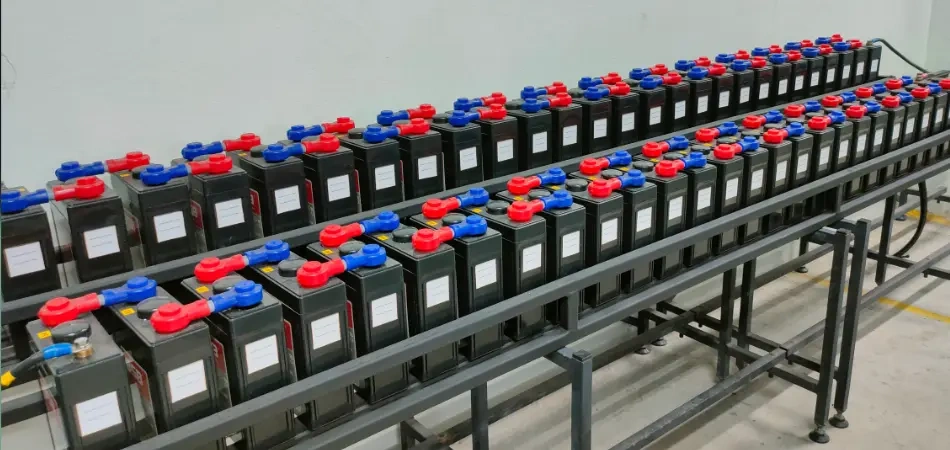
Every minute matters when the grid goes dark. Using your Uninterruptible Power Supply hours wisely keeps your router, computer, and essential devices operational until power is restored. We understand that managing power outages is stressful. So we had our experts look into the best ways to maximize your backup power so you don’t have to worry when the next storm arrives.
Here are the best methods for extracting every last bit of juice from your UPS system.
Understanding battery chemistry
Before you adjust your setup, it is useful to know what is in your UPS box.
- Lead-Acid: Pull them too hard, and these batteries become inefficient. Because of Peukert’s Law, a heavy load sucks the juice out of a lead-acid battery much quicker than does a light one.
- Lithium-Ion: Newer versions of these batteries can handle heavy loads better and maintain a steady voltage until nearly empty. They also charge more quickly and last longer, too.
7 pro tips for maximum runtime
Prioritize critical loads
Limit backup power to essential gadgets. Connect only the things you need to keep running, like your modem, router, and primary PC. Relocate printers, phone chargers, and secondary monitors to the surge-only outlets.
Manage environmental factors
Heat destroys batteries. Most UPS systems work best at 68°F (20°C), the ideal operating temperature. Storing your UPS in a shady, well-ventilated area will protect it from early wear. For lead-acid batteries, a 15°F increase above 77°F reduces expected life by one-half.
Implement automatic power reduction
Now, even modern UPS software can talk with your network during an outage. Automatic power reduction ensures that, in abnormal situations, your system reduces output power (or “regulates” energy delivery) without entering sleep mode. This prevents sudden jolts from draining your battery.
Optimize low-battery shutdown settings
Don’t wait for the battery to reach zero. Set your computer’s power management program to hibernate at 20% of the UPS. Hibernating preserves your work safely while keeping enough power in reserve to keep your internet router running for your cell phone and tablets.
Calibrate and maintain regularly
Batteries lose capacity over time. Perform an annual manual runtime calibration to instruct your UPS software on how many minutes of juice it has left. Also, make sure the vents are clear of dust. A cool UPS is also much more efficient.
Reduce ghost loads
Ghost loads are power drains that occur even when devices are not in active use. Extinguish external speakers, LED RGB lighting on your gaming PC, and USB charge hubs. Those little power draws really add up during a two-hour blackout.
Utilize eco-mode
Use your UPS Eco-Mode/High-Efficiency setting if your unit has one. In a more stable environment, such as city power, you can run in this mode and avoid the internal voltage regulation circuits to save around 2% to 5% in energy overhead. It preserves your battery cooler and charged for when you actually need it.
Battery performance comparison table
Here is a quick look at how load impacts your actual backup time.
| UPS Capacity | Runtime at 50% Load | Runtime at 100% Load | Best Used For |
| 1000VA (Lead-Acid) | ~18 minutes | ~5 minutes | Basic home office, router |
| 1500VA (Lead-Acid) | ~25 minutes | ~7 minutes | Gaming PC, dual monitors |
| 1500VA (Lithium-Ion) | ~35 minutes | ~12 minutes | High-end workstations |
Summary of best practices
Following a few simple rules can help you conserve and maximize your backup power. Unplug what you don’t need, keep your battery cool, and use software to automate shutdowns. This will give you an easy double runtime in case of an emergency, at least if you actively manage your connected load.
FAQs
How long does a standard UPS battery last during a blackout?
An average 1500 VA UPS will keep a standard desktop computer and monitor running for about 10-15 mins. Reducing it to a simple internet router can stretch this into an hour or more.
Can I plug a power strip into my UPS?
You can, but we do not advise it. (Runtime Power Section Dips)Daisy-chaining power strips is way too easy to accidentally overload the UPS, causing a safety shutdown.
Why does my UPS beep when the power goes out?
The beeping tells you the unit is now running on battery. This alarm can typically be silenced through the manufacturer’s software on your computer.
How often should I replace my UPS battery?
Conventional lead-acid batteries must be replaced every 3 to 5 years. Frequent cycling (charging and discharging) shortens lithium-ion battery life, although they can last up to 10 years, depending on storage temperature.
Is it safe to leave my UPS turned on all the time?
Yes. Your UPS is meant to be on continuously. This enables it to continuously watch the incoming voltage and maintain an internal battery charged for emergencies.
Disclaimer:
The information provided in this article is for general informational purposes only. While we strive to offer accurate guidance on extending UPS battery life, individual results may vary depending on your UPS model, battery type, and usage conditions. Always follow the manufacturer’s instructions and safety guidelines when operating or maintaining your UPS. We are not responsible for any damage, injury, or data loss that may occur from following these tips.
 AdpharmaConsultant