
Building a video chat app may seem like a design challenge, but its real foundation is technical architecture. Users expect clear video, smooth audio, and instant connections — and when an app freezes or lags, the cause often traces back to early technical decisions. Choosing the right communication framework impacts performance, cost, scalability, and development speed. A thoughtful choice from the start prevents costly rebuilds later. This article explains the key early technology decisions for launching a reliable video chat app in practical, easy-to-understand terms.
1. The Critical First Step: Defining Your Technology Path
Choosing Your Foundation
Every video chat app starts with a choice about how real-time communication will actually work. Some teams build directly on WebRTC, which provides the core browser-based technology for audio and video transmission. Others use prebuilt SDKs that package complex networking, encoding, and signaling into ready-to-use tools. A fully custom stack offers maximum control but requires deep expertise in media servers, networking, and real-time protocols. This decision affects how quickly development can move and how much maintenance will be required later. The foundation selected here shapes nearly every technical step that follows.
Aligning Your Tech Choice with Project Goals
Technology should serve product goals rather than the other way around. An app designed for small private calls has very different needs from a platform aiming to host large social spaces or themed communities like pink video chat environments. Performance expectations, moderation tools, and interactive features all influence infrastructure demands. Budget and timeline also matter, especially for smaller teams trying to launch quickly. Long-term scalability should be considered early instead of treated as a future problem. Clear priorities make the technology path much easier to evaluate.
2. Understanding the WebRTC DIY Route
Building directly with WebRTC gives development teams detailed control over how media flows through the system. Custom signaling, bitrate tuning, and interface design can all be tailored to specific user experiences. This flexibility is attractive for experimental features or unique interaction styles. Teams can optimize for niche use cases that packaged tools may not support out of the box. Deep integration with other systems is often easier when everything is built internally. For highly specialized products, this level of control can be a major advantage.
3. Evaluating Commercial SDKs and APIs
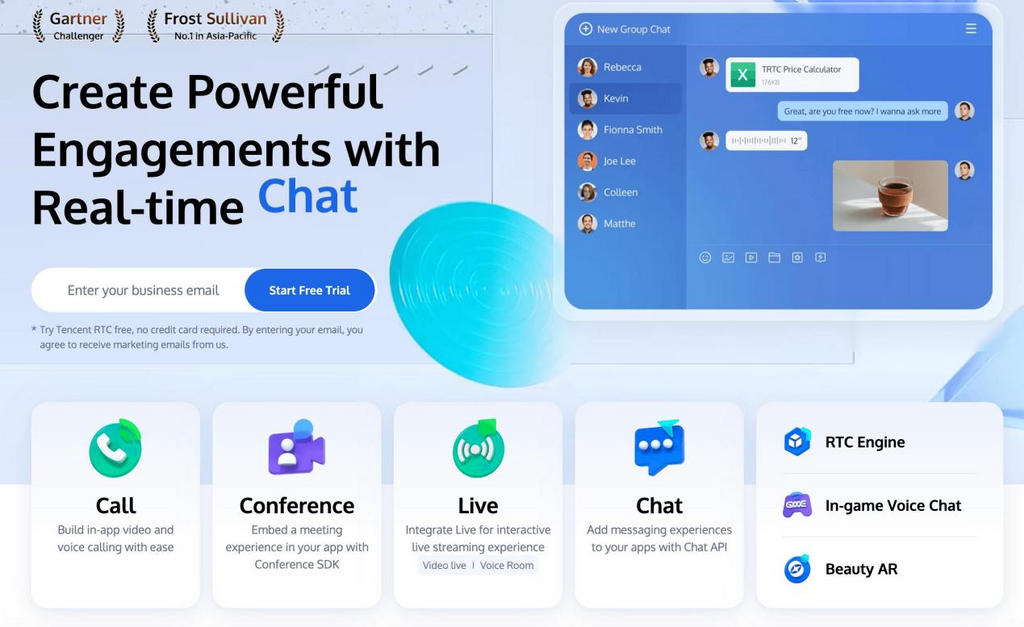
Prebuilt communication SDKs allow teams to focus more on user experience than on low-level networking. Many provide integrated features such as room management, messaging, and device compatibility across platforms. Some solutions, including Tencent RTC, combine low-latency audio and video transmission with ready-made UI components, which reduces the need to build core communication layers from scratch. Built-in global routing and optimization can also help maintain stable performance as audiences grow. Faster integration often means products can launch and gather user feedback much sooner. For startups and small teams, this acceleration can make a major difference.
4. Key Questions to Answer Before You Code
Defining Scale, Features, and Target Platforms
Clear technical planning begins with understanding expected user scale. A small app for friends has very different requirements from a platform targeting thousands of simultaneous users. Feature sets such as group calls, screen sharing, or interactive rooms also change system design. Target platforms, including mobile devices and web browsers, affect compatibility needs. Network conditions vary widely across regions, so global ambitions require stronger infrastructure planning. Early clarity reduces costly redesign later.
Assessing Your Team’s Expertise and Resources
Team skills play a major role in choosing the right architecture. Real-time media systems require knowledge of networking, codecs, and distributed systems. Smaller teams may benefit from tools that handle infrastructure complexity behind the scenes. Development speed can suffer if engineers must learn advanced communication protocols from scratch. Ongoing maintenance, monitoring, and troubleshooting also demand time and expertise. Matching technical ambition with available resources improves long-term stability.
5. From Decision to Action: Validating Your Approach
Building a Minimum Viable Prototype (MVP)
A prototype helps confirm whether architectural choices perform well under real conditions. Even a simple test app can reveal latency issues, device compatibility problems, or unexpected bandwidth usage. Early testing with real users provides insights that technical documents cannot. Performance in different network environments should be observed carefully. Small-scale trials make it easier to adjust before full deployment. Practical validation reduces risk before major investment.
Next Steps After the Architecture is Set
Once the core communication layer is stable, attention can shift to user-facing features. Interface design, moderation tools, and onboarding flows become the focus. Performance monitoring should continue as new features are added. Gradual scaling helps ensure infrastructure keeps pace with growth. Ongoing optimization maintains call quality as usage patterns evolve. A strong architectural start makes every later improvement easier to implement.
Conclusion
The first step in building a video chat app is not visual design but choosing the right communication foundation. Early technical decisions influence performance, cost, and scalability for years to come. DIY approaches offer flexibility but demand significant expertise and infrastructure management. SDK-based solutions trade some control for speed, stability, and faster product iteration. Clear goals, realistic resource assessment, and early testing help guide the best choice. With the right start, a video chat platform can grow smoothly while delivering the real-time experience users expect.